
Capture Everything
Take screenshots normally. SnapBud catches every one automatically, so nothing gets lost.
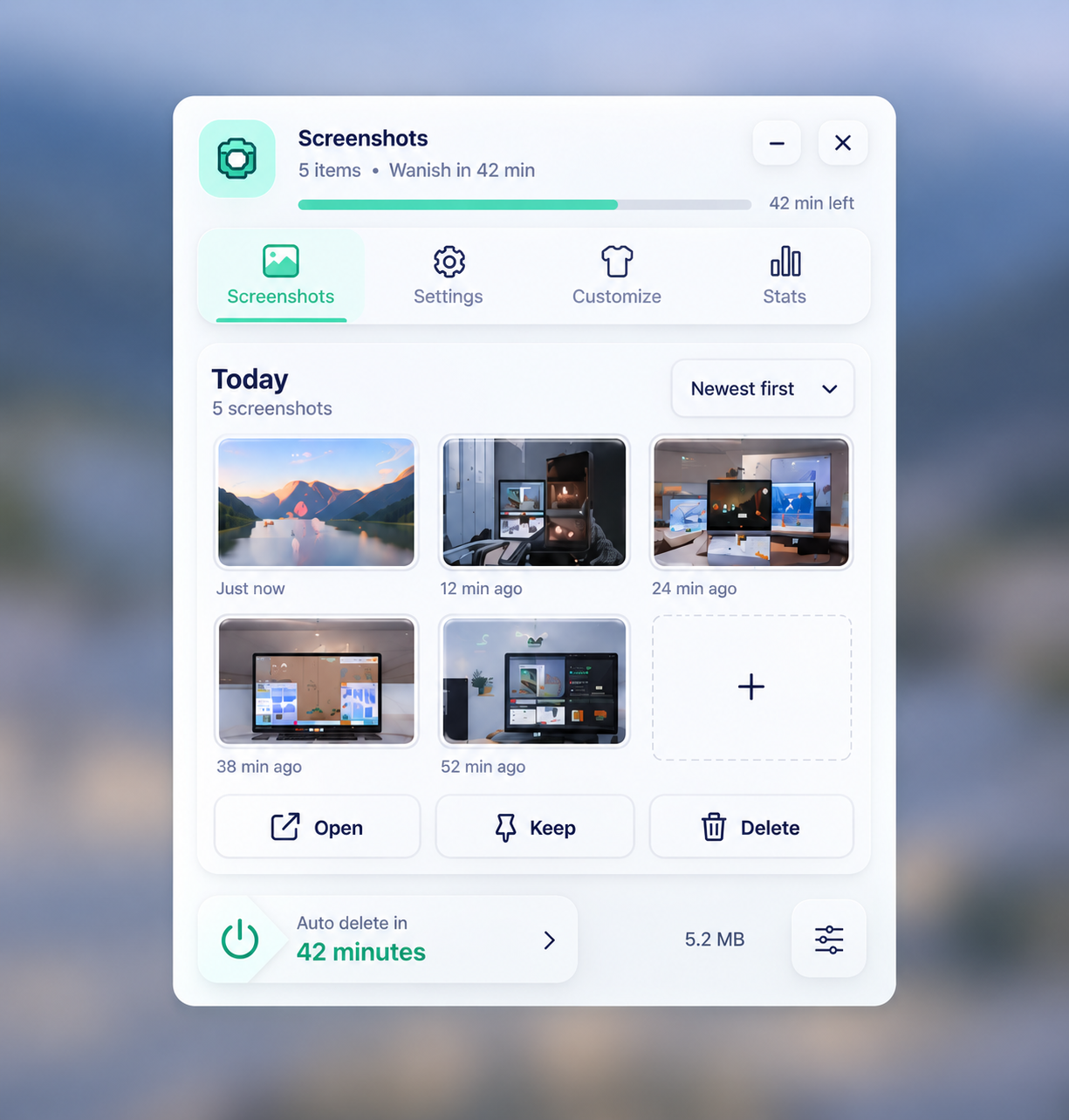
Capture. Organize. Let it vanish.
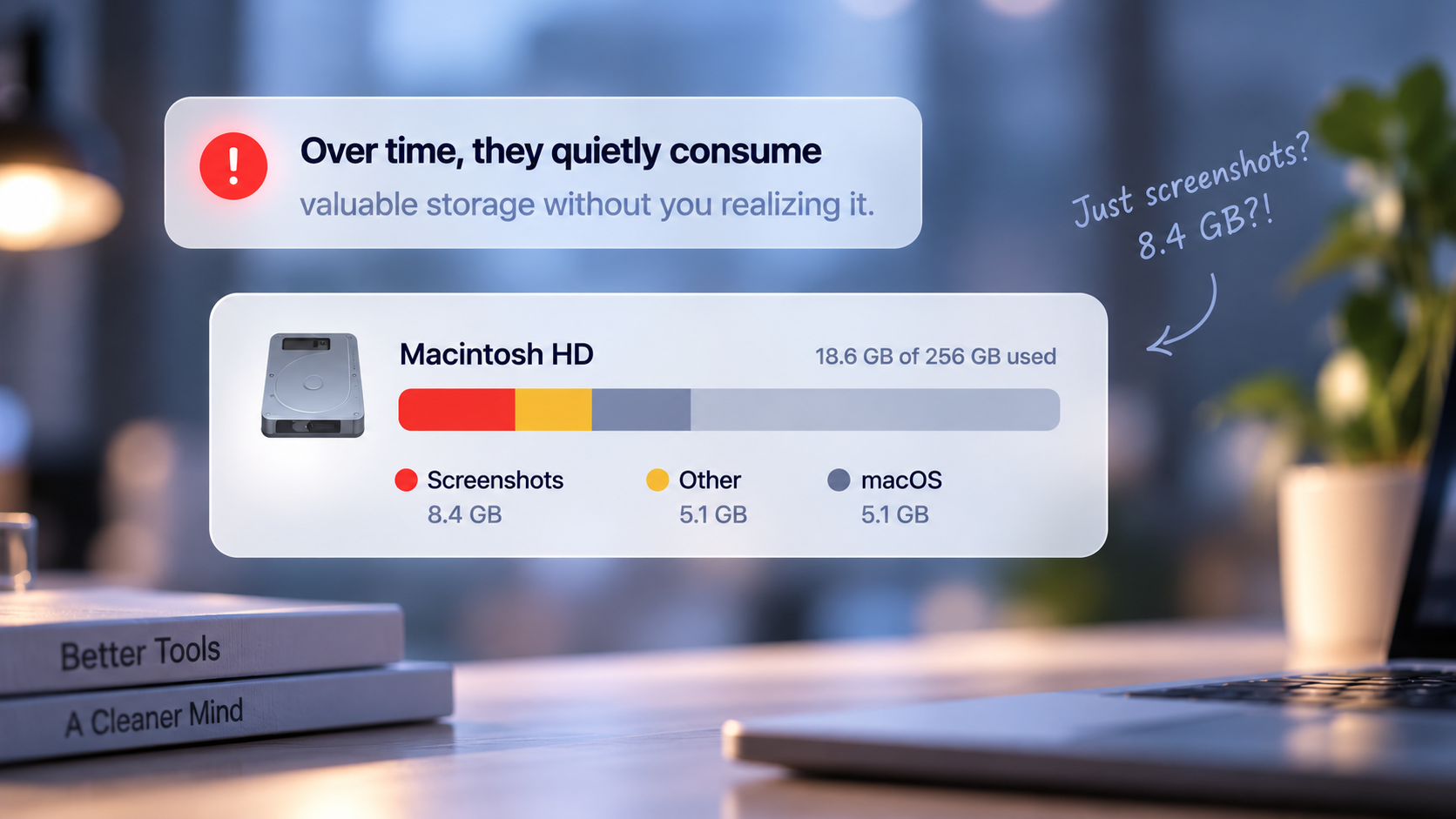
use them once, then forget they're still taking up space.
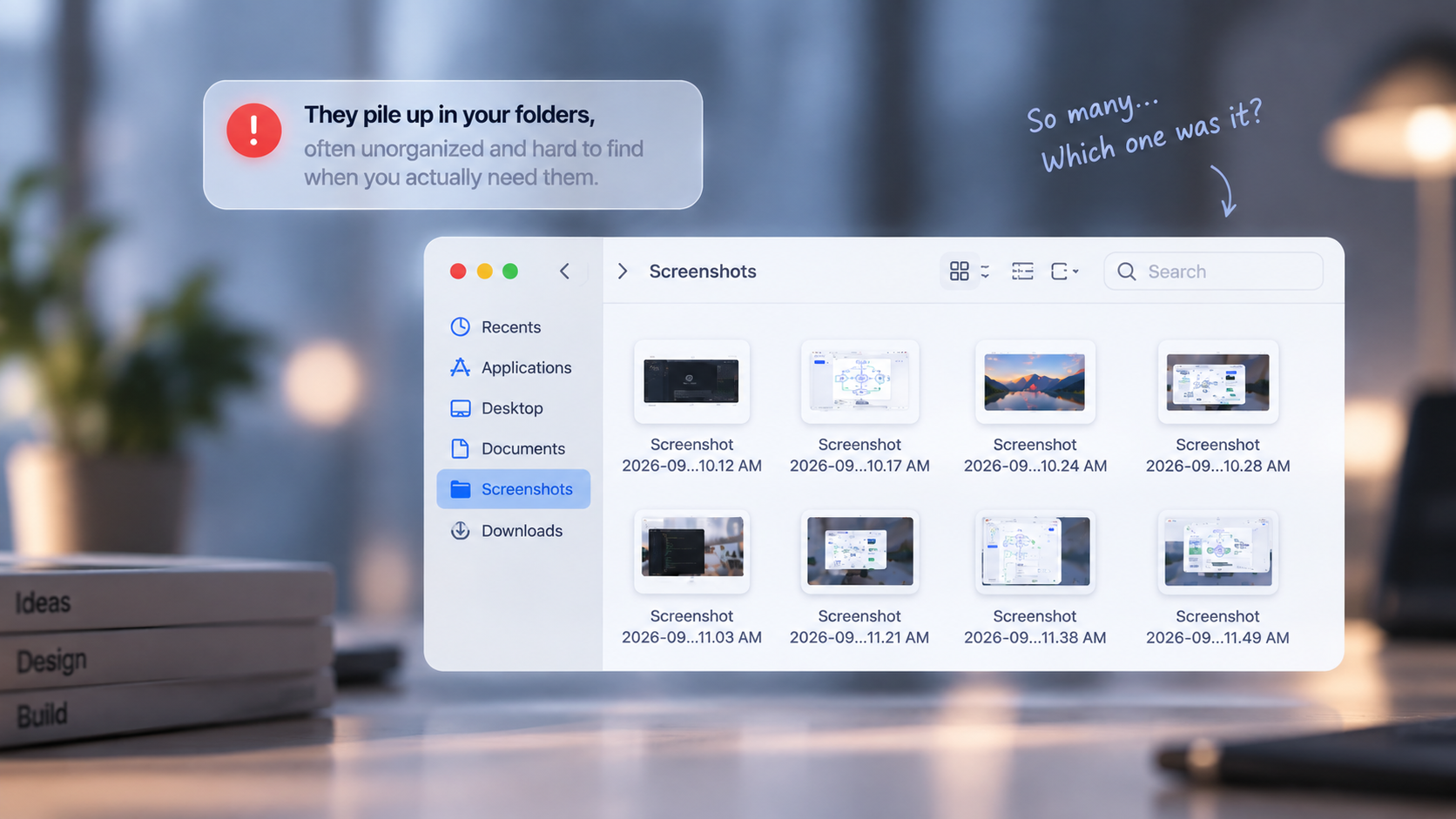
And when you need one again, it's buried in folders.

Take a screenshot. SnapBud catches it instantly.
Pick one or more. Drag them straight where needed.
Choose a time. SnapBud clears them when it's done.
Screenshots that work for you.
Take screenshots normally. SnapBud catches every one automatically, so nothing gets lost.
Select one or multiple screenshots and drag them straight into ChatGPT, Claude, Terminal, or anywhere else.
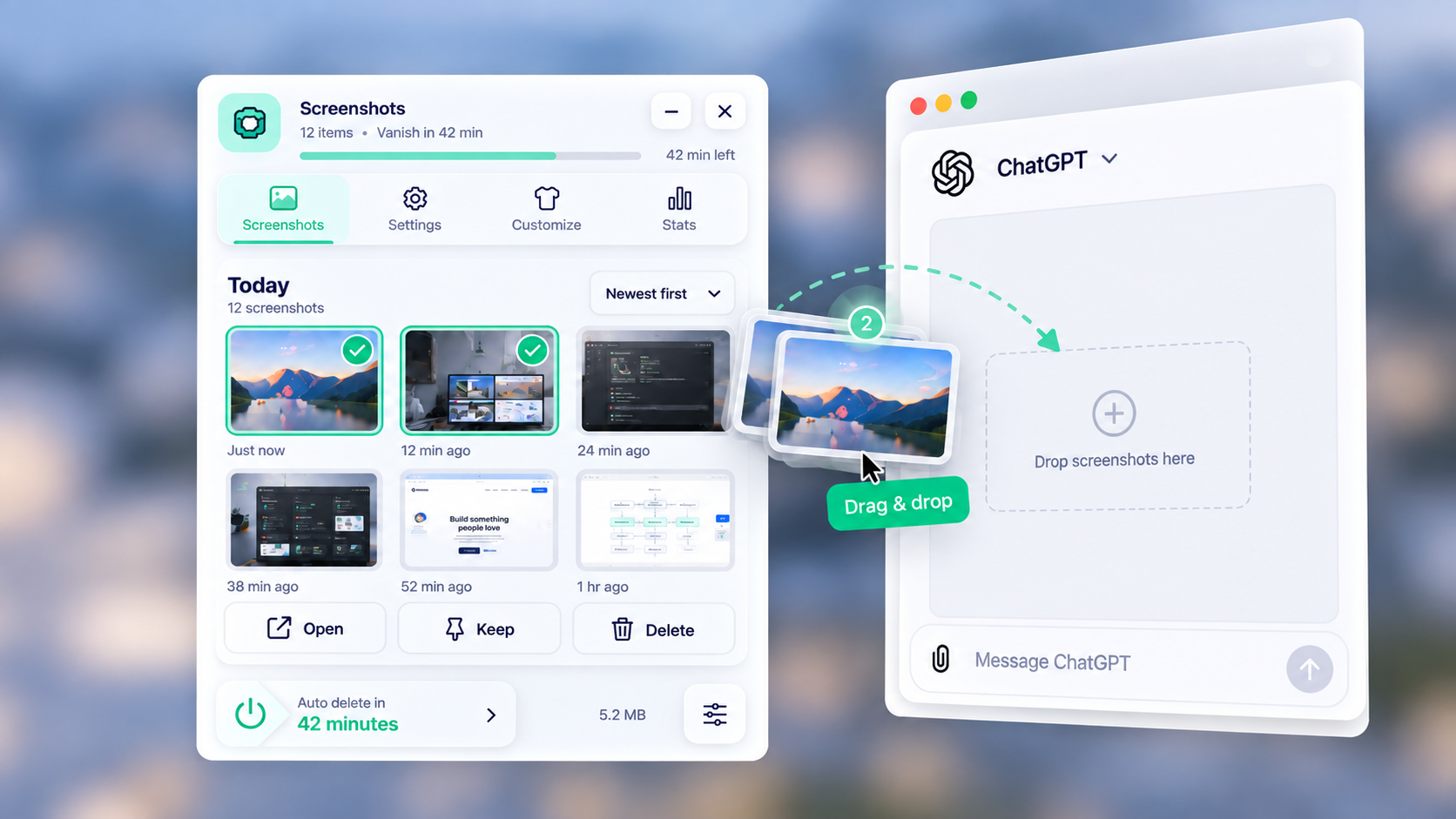
Choose how long screenshots stay. SnapBud automatically clears expired screenshots and shows you the storage you've saved.
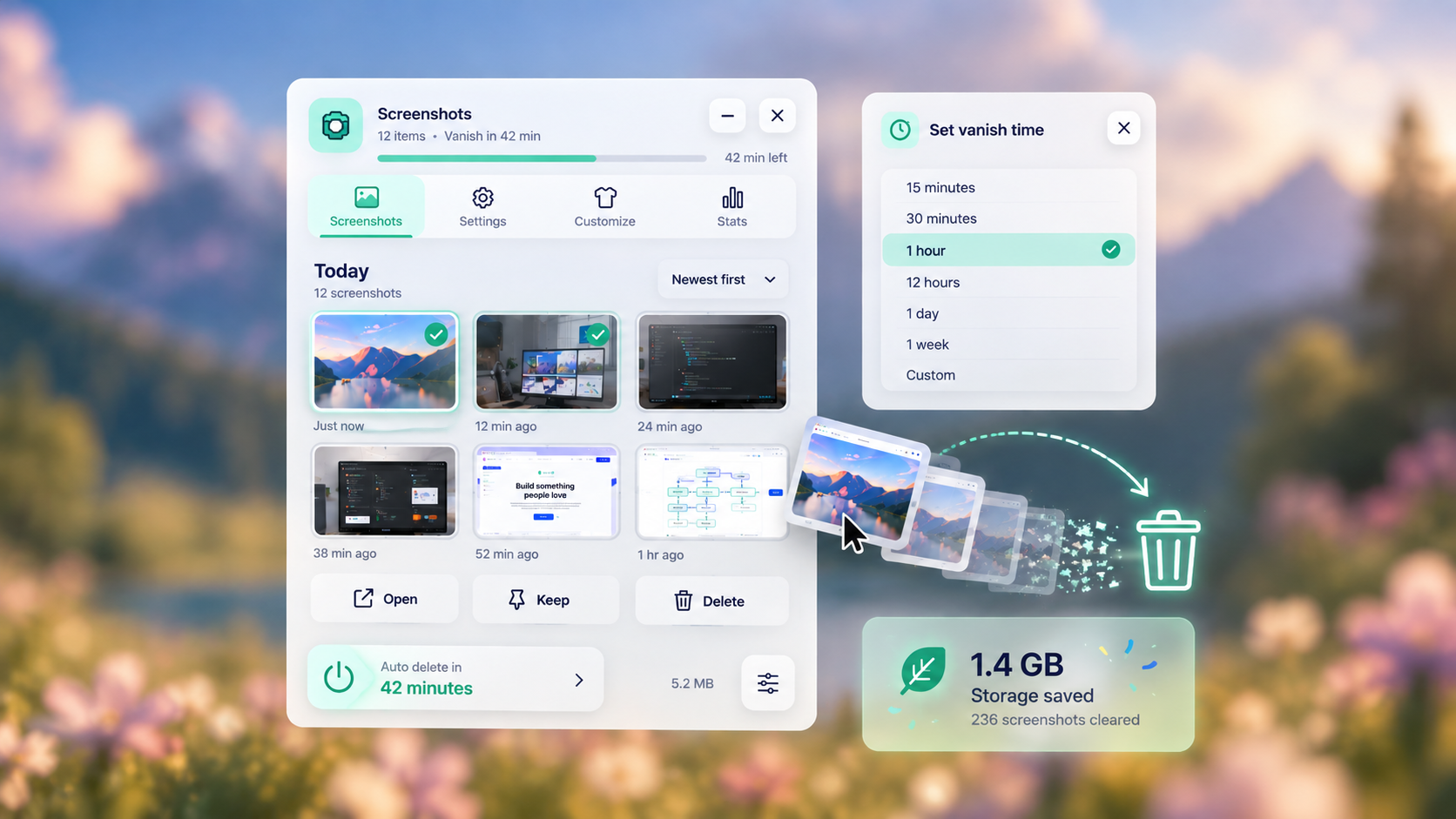
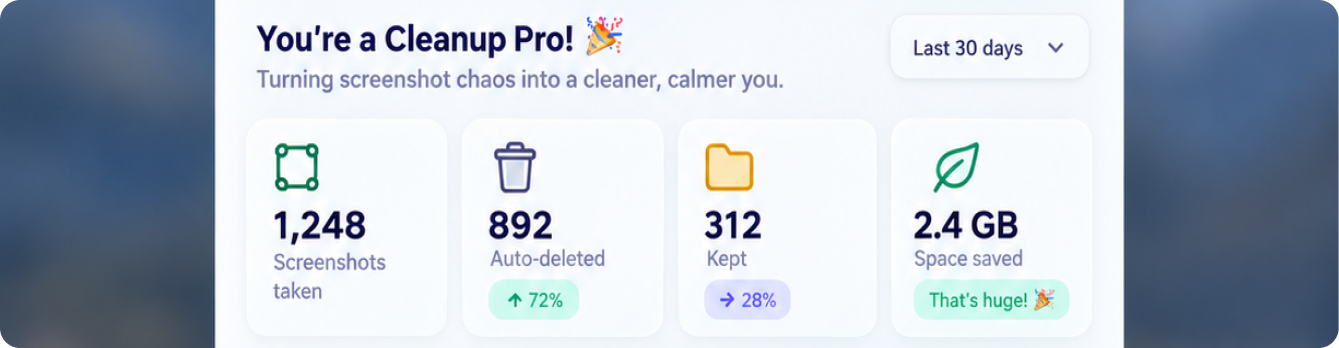
Track screenshots cleared and storage saved, right from your tiny desktop pet.
A tiny buddy for a cleaner desktop
Capture screenshots for ChatGPT, Claude, or anything else.
Use them, then let SnapBud clear them away.